 Tucan
Tucan
There is no tucan casino mobile app to install. The casino runs as a mobile-friendly website in your phone or tablet browser, with nothing to download. Below: how to set it up, what to expect on iPhone and Android, and one restriction GB players should check first.
Contents
App or Browser: What's Available
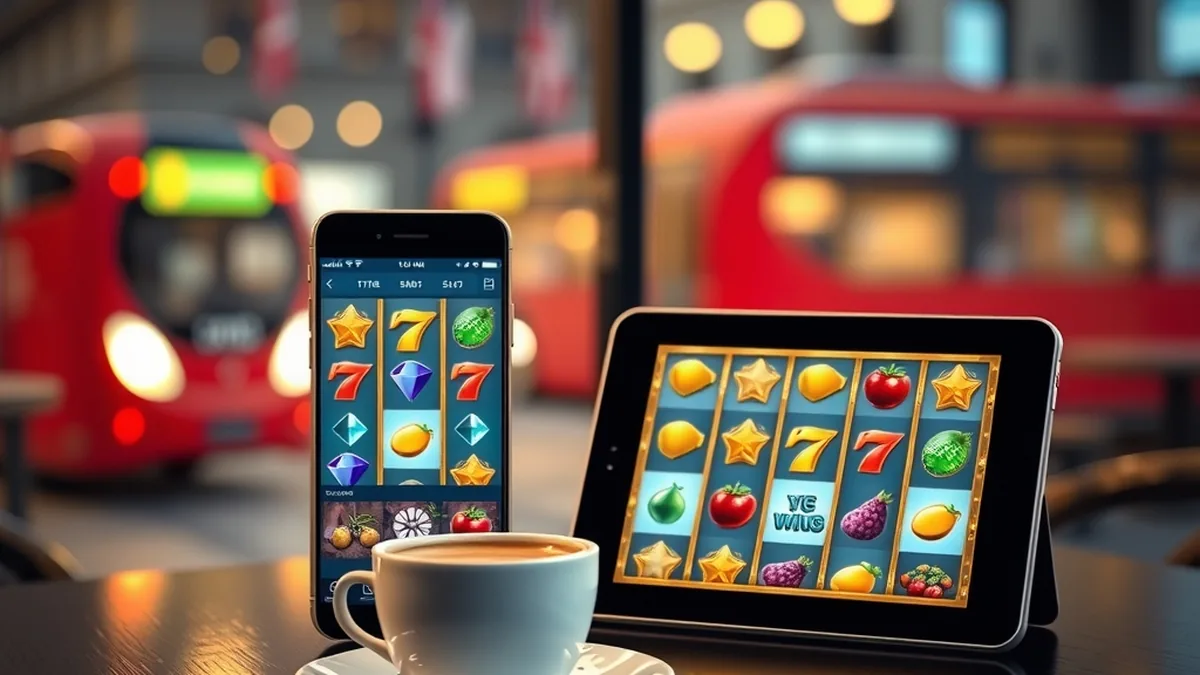
The site does not offer a native app in the App Store or on Google Play. Instead you open the casino in Safari, Chrome or any other modern mobile browser, and the layout adapts to the screen. That is the tucan casino mobile app question answered in practice: the browser is the app.
For most players this works well. You skip storage use and manual updates, and the site is always the current version. The trade-off is that you rely on a stable connection, and there are no push notifications from a dedicated app.
Slots, the live dealer lobby and your account pages are all reached the same way as on desktop. Live tables are supplied by Evolution Gaming, so a steady Wi-Fi or 4G/5G signal matters more there than on a quick slot spin.
The casino's list of restricted countries includes the UK. Before you spend time setting anything up, read the licence and country restrictions and make sure you are allowed to play from where you are.
Adding the Site to Your Home Screen
If you want app-style access, a home screen shortcut gets you close. It places an icon on your phone that opens the casino in one tap, usually without the address bar getting in the way.
- 1Open the casino in your mobile browser and let the page load fully.
- 2Open the browser menu or the share button.
- 3Choose the option to add the page to your home screen.
- 4Confirm the name and tap Add.
- 5Tap the new icon and use your details to sign in.
Menu wording differs between browsers and system versions, so look for something like "Add to Home Screen". The icon is only a bookmark, not an installed program, so it takes no meaningful space.
Only bookmark the address you typed yourself or reached through a trusted link. A look-alike address on a home screen icon is an easy way to land on a fake login page.
iPhone and iPad Experience
Safari and iPadOS layout
Safari is the simplest choice on an iPhone or iPad. The lobby scales to portrait on a phone, and a tablet in landscape gives you a roomier view of slots and live tables. Games built in HTML5 load directly in the browser, so no plug-ins are needed.
Slots such as Starburst from NetEnt are a natural fit for a small screen, because the 5-reel, 10-payline layout stays easy to read. Heavier titles like Sweet Bonanza use a 6x5 grid, which feels better with the phone turned sideways.
Searching the App Store
Searching the App Store for the casino will not give you an official download. Anything that claims to be one should be treated with suspicion. Stick to the browser.
- Keep iOS and your browser updated for stable game loading.
- Use landscape mode for wider slot grids and live tables.
- Allow the browser to keep you logged in only on a device you control.
- Browse the full slot and live game lineup from the same menu.
Android Phones and Tablets
Chrome and other browsers
On Android, Chrome is a good default, though Firefox, Samsung Internet and others also work. Because the site is browser-based, the model of phone matters less than the browser version and your connection. Older handsets can be slower on graphics-heavy slots, so close other apps if a game stutters.
The APK question
There is no official APK for this casino. A file offered by a random website, forum or messaging link is not from the operator, and installing unknown APKs can expose your device and payment details. Android's "install unknown apps" setting should stay off for this purpose.
| Point | This casino on mobile |
|---|---|
| Download | None; open in a browser |
| Updates | Automatic, server side |
| Storage use | Minimal |
| Quick access | Home screen shortcut |
| Official APK | Not available |
Banking and Bonuses on the Go
Deposits and withdrawals from a phone
The cashier works in the same browser, so you can deposit and request a withdrawal without switching devices. Options include cards, e-wallets, bank transfer and crypto. The full list, limits and timings are covered on the payments and withdrawal page.
Be careful on public Wi-Fi. Use mobile data or a network you trust when entering card or account details.
Claiming offers on mobile
The welcome offer is split into several slot packages, each claimed separately, and the same terms apply whether you play on a phone or a computer. Read the conditions in the bonus guide before you deposit, particularly the wagering and bet-size rules, since it is easy to tap past them on a small screen.
Treat the phone version as the full casino, not a lite one: same account, same cashier, same terms.
FAQ
Does Tucan Casino have a mobile app?
No. There is no native app for iOS or Android. The casino is a mobile-friendly website that works in your phone or tablet browser with no download required. You can add a shortcut to your home screen so it opens like an app.
Can I play Tucan Casino on iPhone?
Yes, through Safari or another iPhone browser. Slots and live tables load directly on the page, and you can add a home screen icon for quick access. Searching the App Store will not give you an official download, so treat any such listing with caution.
Is there an Android APK?
No official APK exists. Files offered on third-party sites or in messages are not from the operator and could be unsafe. On Android, use Chrome or another current browser and, if you like, add the site to your home screen instead.
Do I get the same bonuses on mobile?
The offers and their terms are the same as on desktop, because it is one account on one site. Check the conditions on the promotions page before claiming, and confirm that you are in an eligible country before you register.
18+ | Gambling can be addictive. Play responsibly. Get help